Blog
Tips, guides, and best practices for text cleaning and manipulation
Welcome to the CleanUpTxt blog, your comprehensive resource for mastering text processing, formatting, and optimization. Whether you're a content writer, developer, data analyst, or student, our in-depth guides help you work more efficiently with text-based tasks.
Our articles cover practical solutions for common text challenges: removing unwanted line breaks from PDF copies, cleaning messy Excel imports, optimizing text for social media platforms, and understanding character limits for various applications. Each guide includes step-by-step instructions, real-world examples, and best practices used by professionals.
Learn how to streamline your workflow with our text cleaning tools, discover hidden features in text processors, and understand the technical aspects of text formatting. From basic operations like removing extra spaces to advanced techniques like regex-based find and replace, we cover topics that save you time and improve your productivity.
All our tools and techniques prioritize privacy-your text stays in your browser, never uploaded to servers. Explore our growing collection of tutorials, tips, and detailed walkthroughs below to become more proficient with text manipulation and formatting.

Complete Guide to Data Cleaning with Power Query & Excel
Discover a comprehensive guide to cleaning data using Power Query and Excel, including tips for removing duplicates, fixing formatting issues, and automating cleanup processes.

Number to Words Converter – Spell Numbers in Words Instantly
Convert numbers into US English words for checks, contracts, and invoices. Learn rules and use an offline tool that formats cents, negatives, and large numbers.
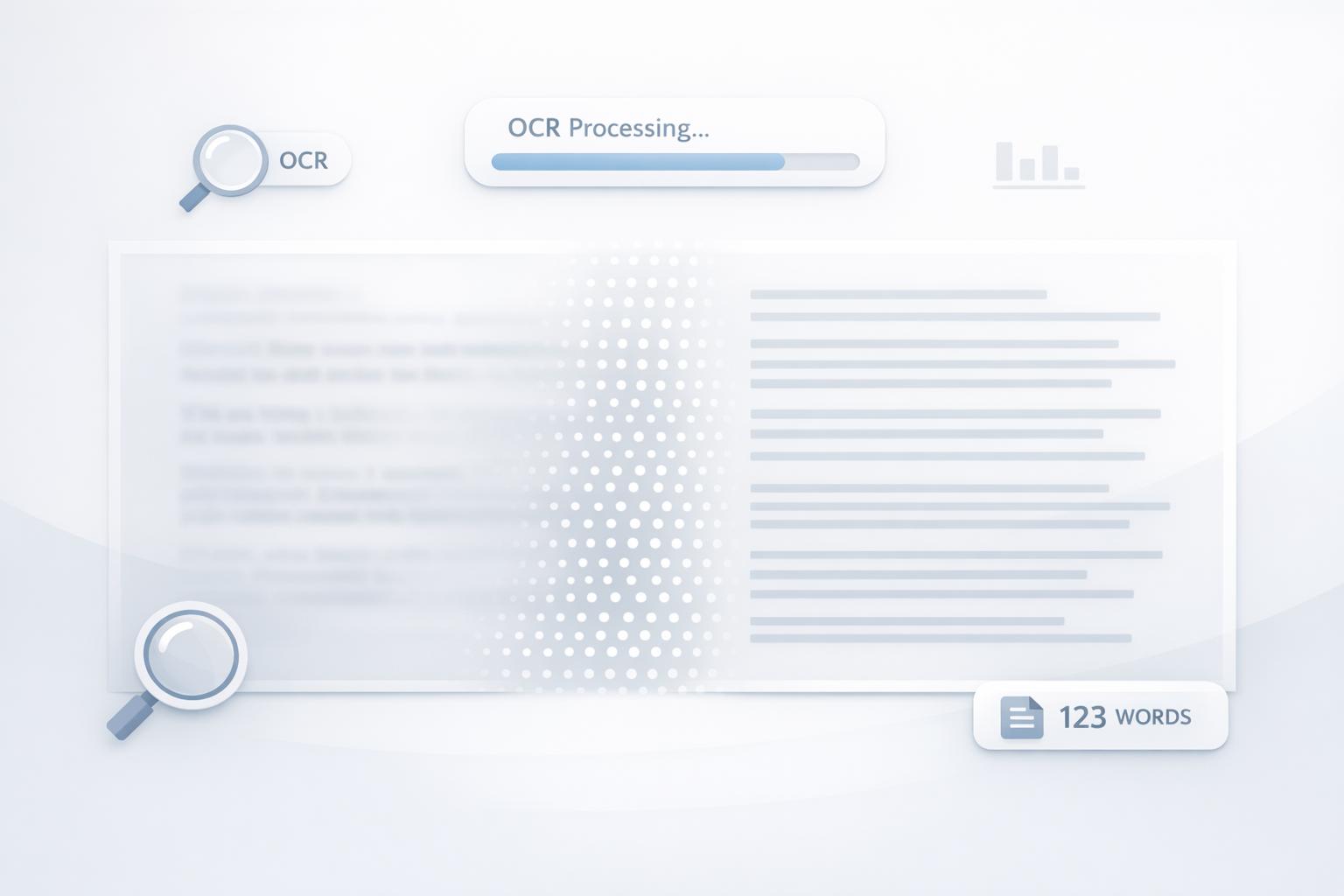
Word Counter from Image – Extract & Count Text Using OCR
Extract text from images with OCR, optimize image quality for higher accuracy, and clean text for precise word counts using simple tools and steps.

Invisible Text Generator – Copy & Paste Blank Characters
Create and copy invisible Unicode characters (zero-width, Hangul filler, braille blank) for usernames, bios, messages, and text formatting.
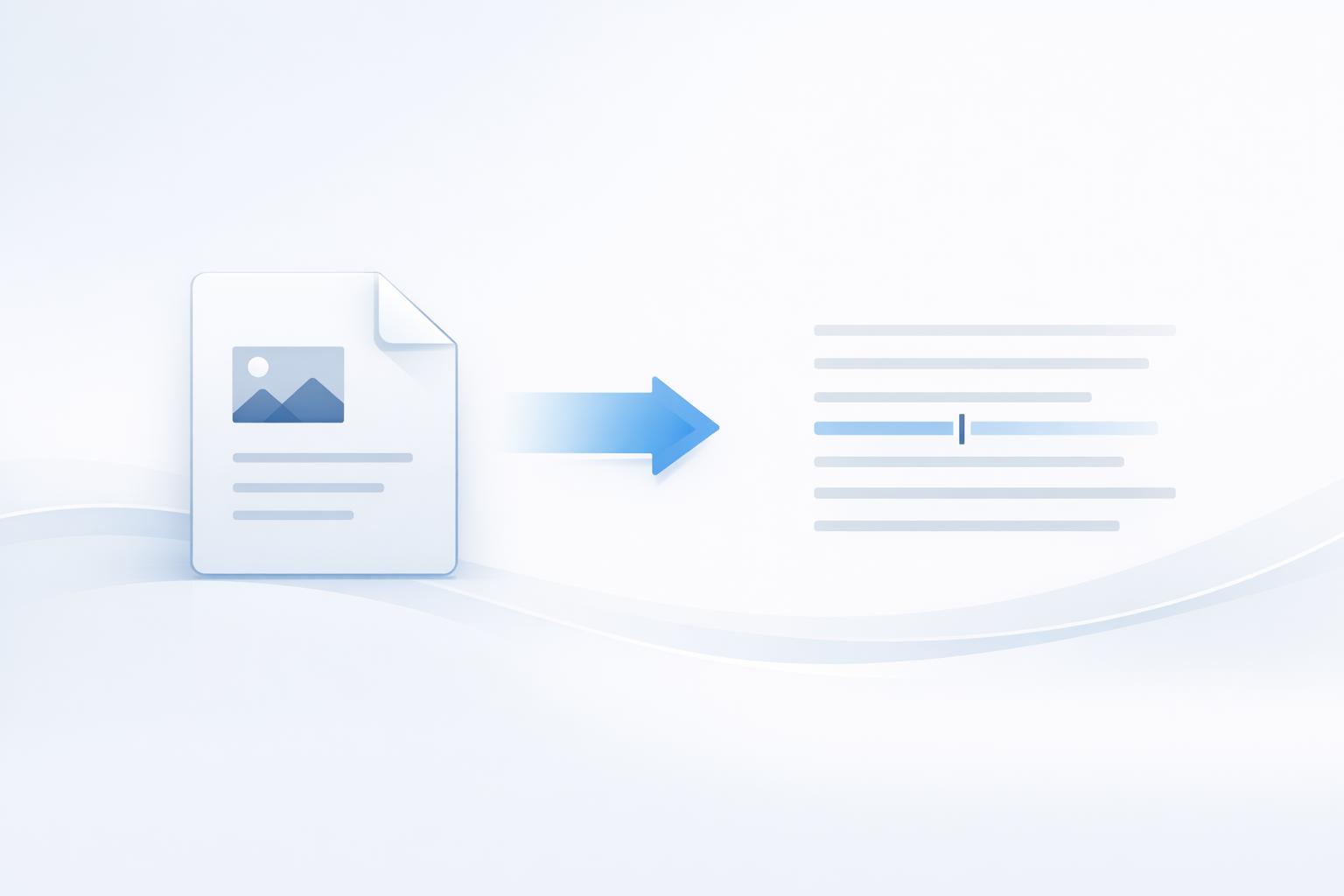
Image to Text Converter – Extract Text from Images Online (Free OCR)
Convert images and PDFs to editable text with free online OCR. Supports 100+ languages, multiple formats, local processing, and automatic file deletion.

Keyword Extractor Tool – Extract Keywords from Any Text
Browser-based keyword extractor that cleans text, finds long-tail terms, shows frequencies, and exports results privately.
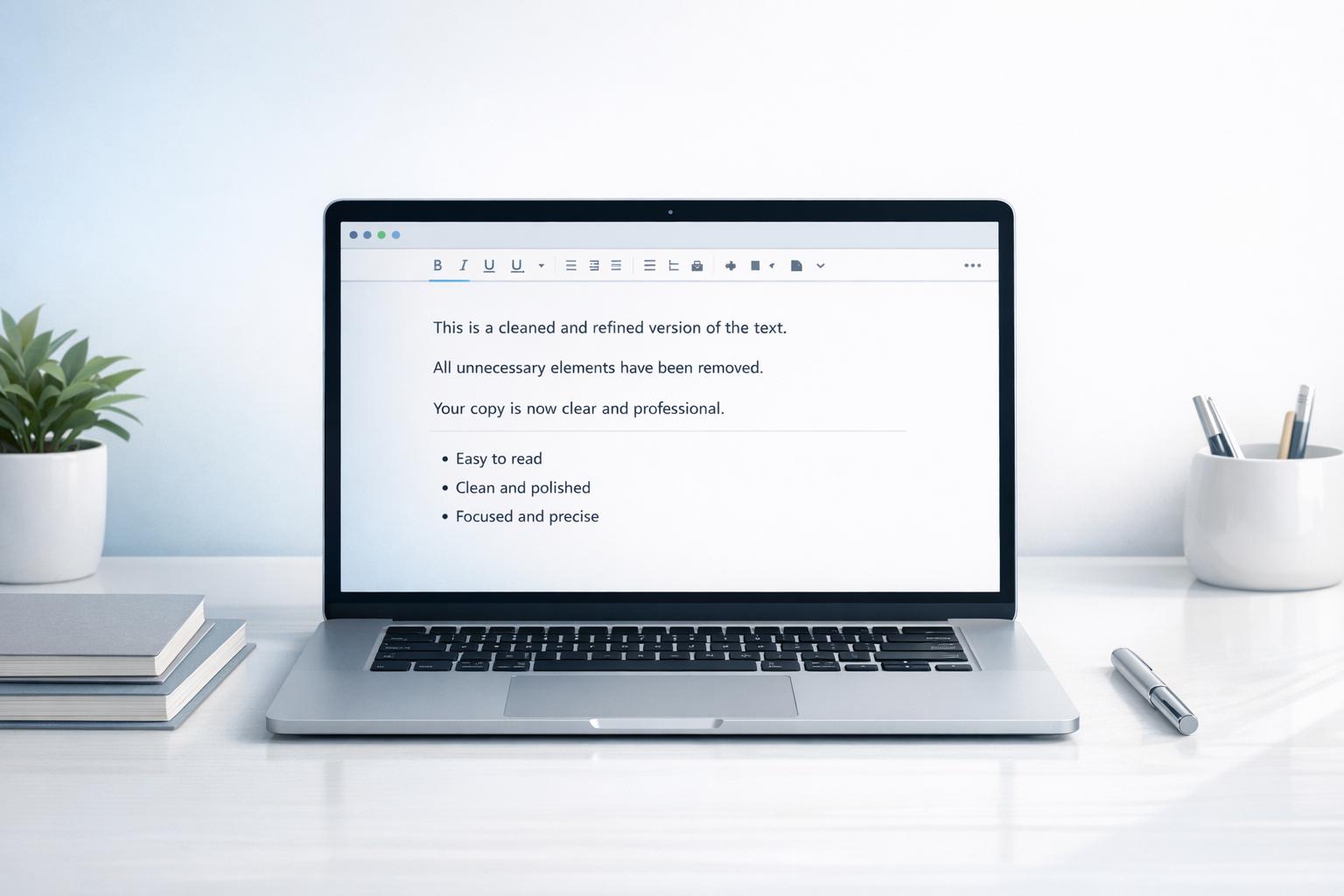
Remove Emojis from Text Online – Clean Copy Instantly
Remove emojis in your browser to create clean, professional text. Preserves formatting, handles large files, and runs locally to keep data private.

Bionic Reading Converter – Read Text Faster Online
Convert text and files to Bionic Reading format with adjustable bolding, spacing, and opacity-local processing for faster, less tiring reading.

How to Format Text for Instagram Posts
Use line breaks, emojis, tidy hashtags, and tools to format Instagram captions that are readable and boost engagement.
How to Fix Encoding Issues in CSV Imports
Fix CSV encoding mismatches to stop garbled text-use UTF-8 (no BOM), clean data, and match import settings in Excel, Sheets, or databases.
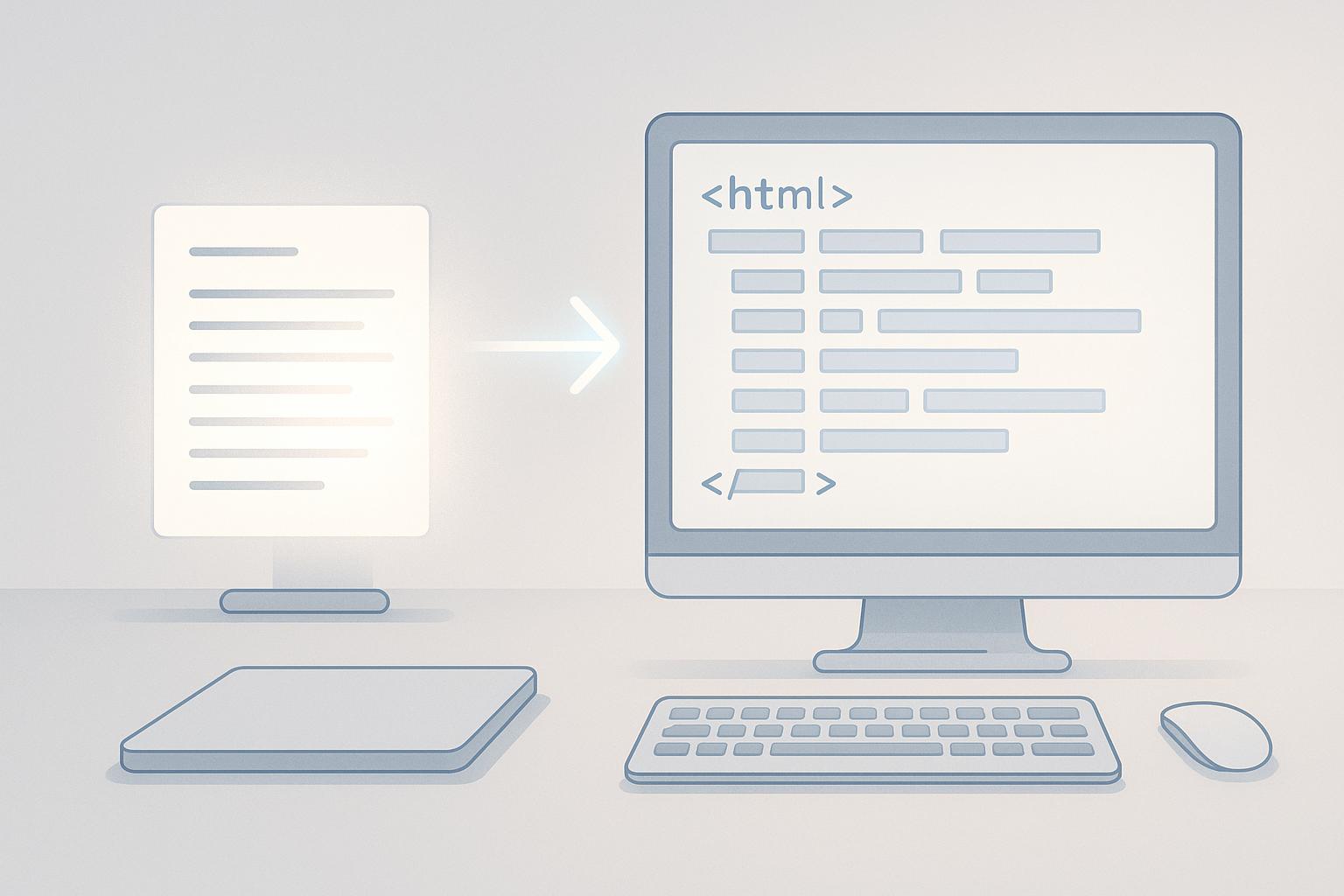
Best Tools for Text Export to HTML
Clean, semantic HTML matters-compare browser and desktop tools to turn messy Word, Docs, or email text into SEO-ready, privacy-safe HTML.
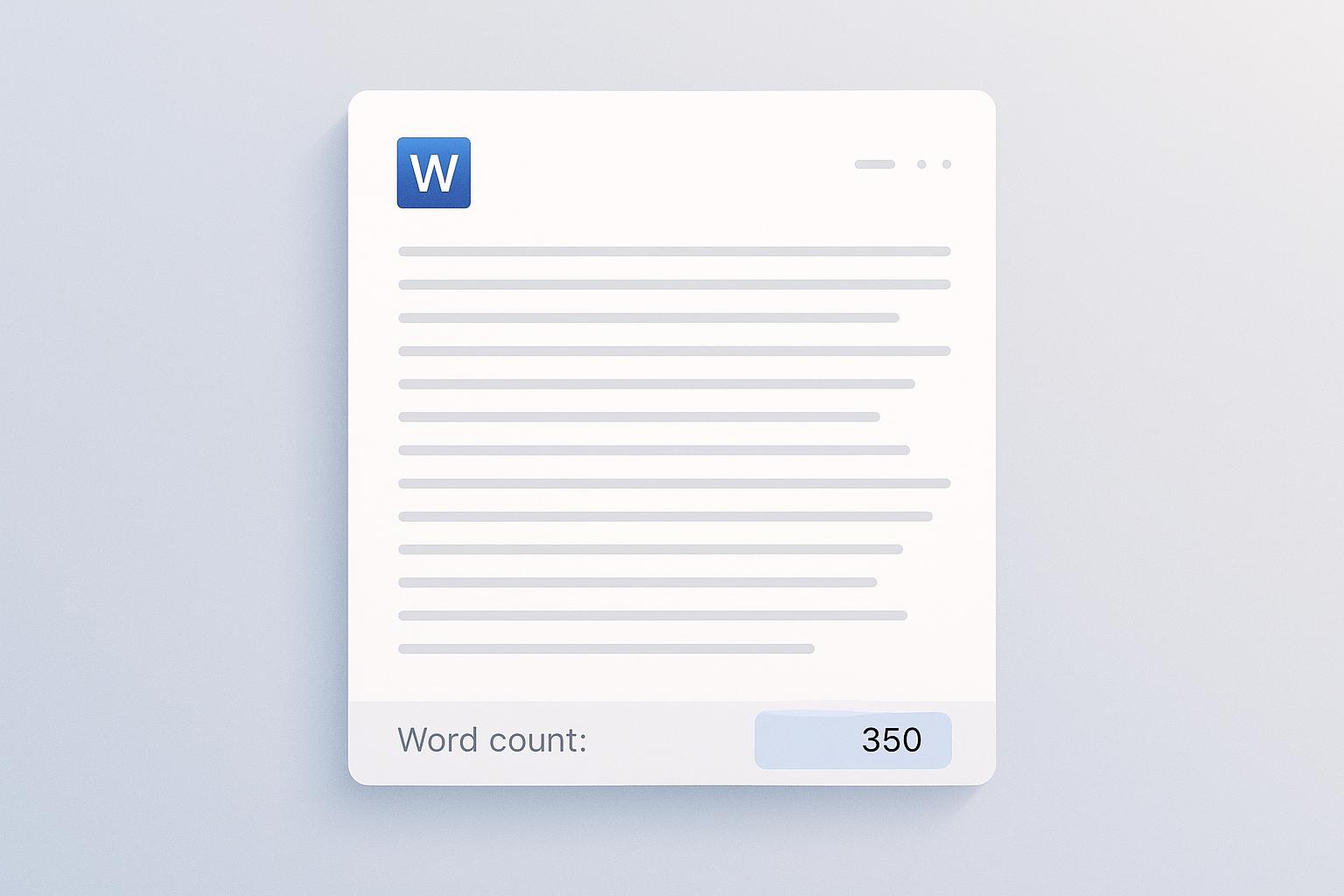
word count on word
See and customize word counts in Microsoft Word using the status bar, Word Count dialog, and text-cleaning tips for consistent, accurate totals across devices.

Slugify Text for SEO: Best Practices
Create short, keyword-focused URL slugs using lowercase, hyphens, and no special characters; handle edge cases, maintain redirects, and audit slugs.
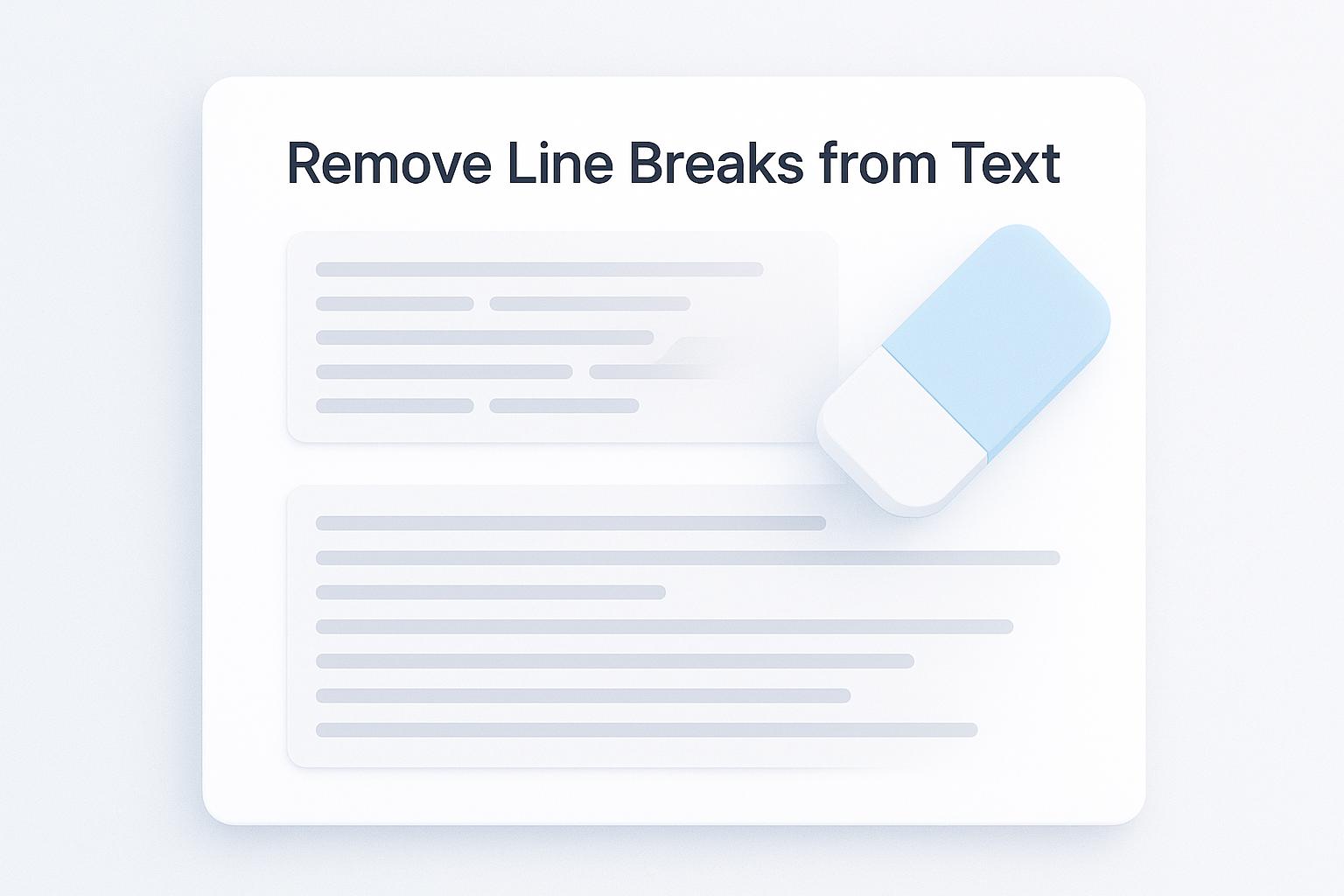
Remove Line Breaks from Text
Remove unwanted line breaks, trim spaces, and format text for Excel, CSV, or web with an in-browser cleaner that previews and exports results.

Remove Extra Spaces from Text Online
Clean extra spaces, trim lines, and fix formatting in your browser. Works offline and keeps text private for cleaner documents, code, and data imports.
which sentence should be revised to reduce wordiness
Learn how to spot and fix wordy sentences by cutting fillers, redundancies, and weak verbs for clearer, more concise writing.
Normalize Line Breaks for Clean Text
Fix inconsistent line breaks from PDFs, emails, and web pages to improve readability and cross-platform compatibility using tools, presets, and testing tips.

5 Privacy Risks in Online Text Tools
Five privacy risks of online text tools: data storage, third-party sharing, re-identification, workplace leaks, and legal non-compliance - plus protection tips.
How Case Conversion Tools Save Time
Case conversion tools streamline text editing, saving time and ensuring consistency across various platforms and formats for writers and coders alike.
How to Count Words and Characters in Text
Learn how to accurately count words and characters in text using tools like CleanUpTxt, ensuring clarity and compliance in your writing.
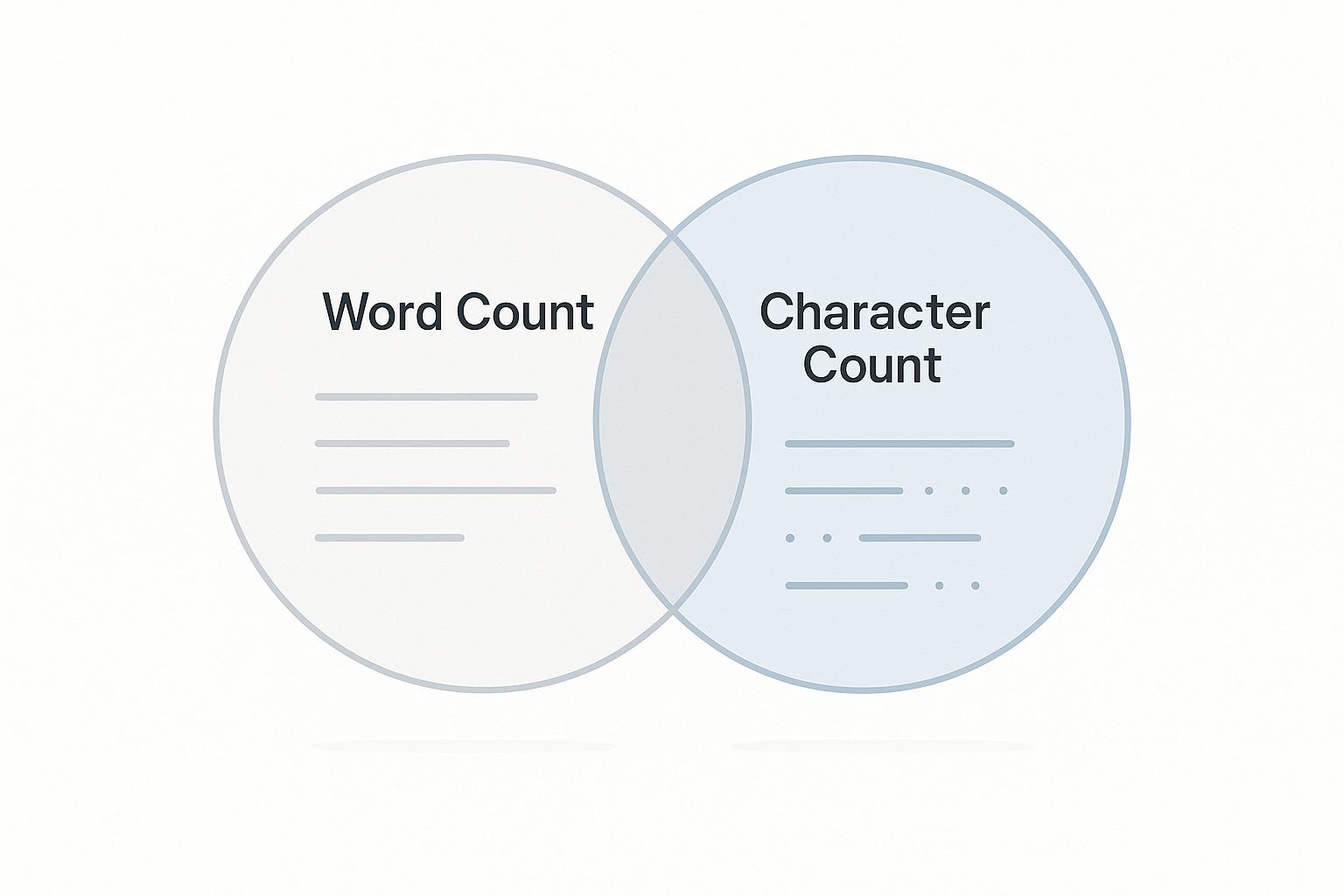
Word Count vs Character Count: Which to Use?
Explore the differences between word count and character count, and learn when to use each for effective content creation across various platforms.
Why Does Copy-Paste Text Look Messy?
Learn why copy-pasting text leads to messy formatting and discover effective solutions for maintaining clean, professional content.

Line Break Removal: Manual vs Automated Methods
Learn effective methods for removing line breaks, comparing manual and automated tools to streamline text formatting across various applications.
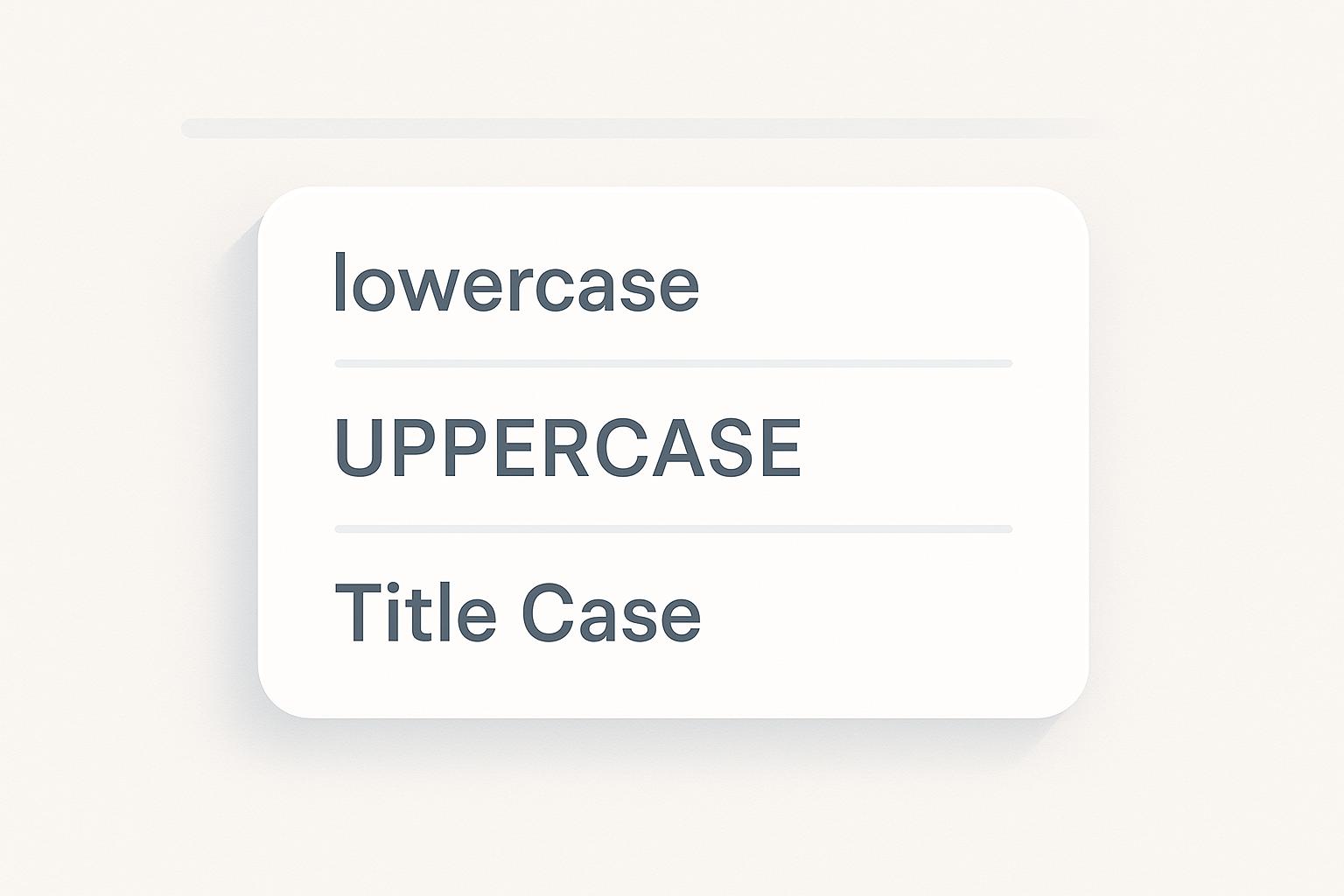
How to Convert Text Case in Bulk
Automate bulk text case conversion with CleanUpTxt for fast, accurate, and secure formatting without manual errors.
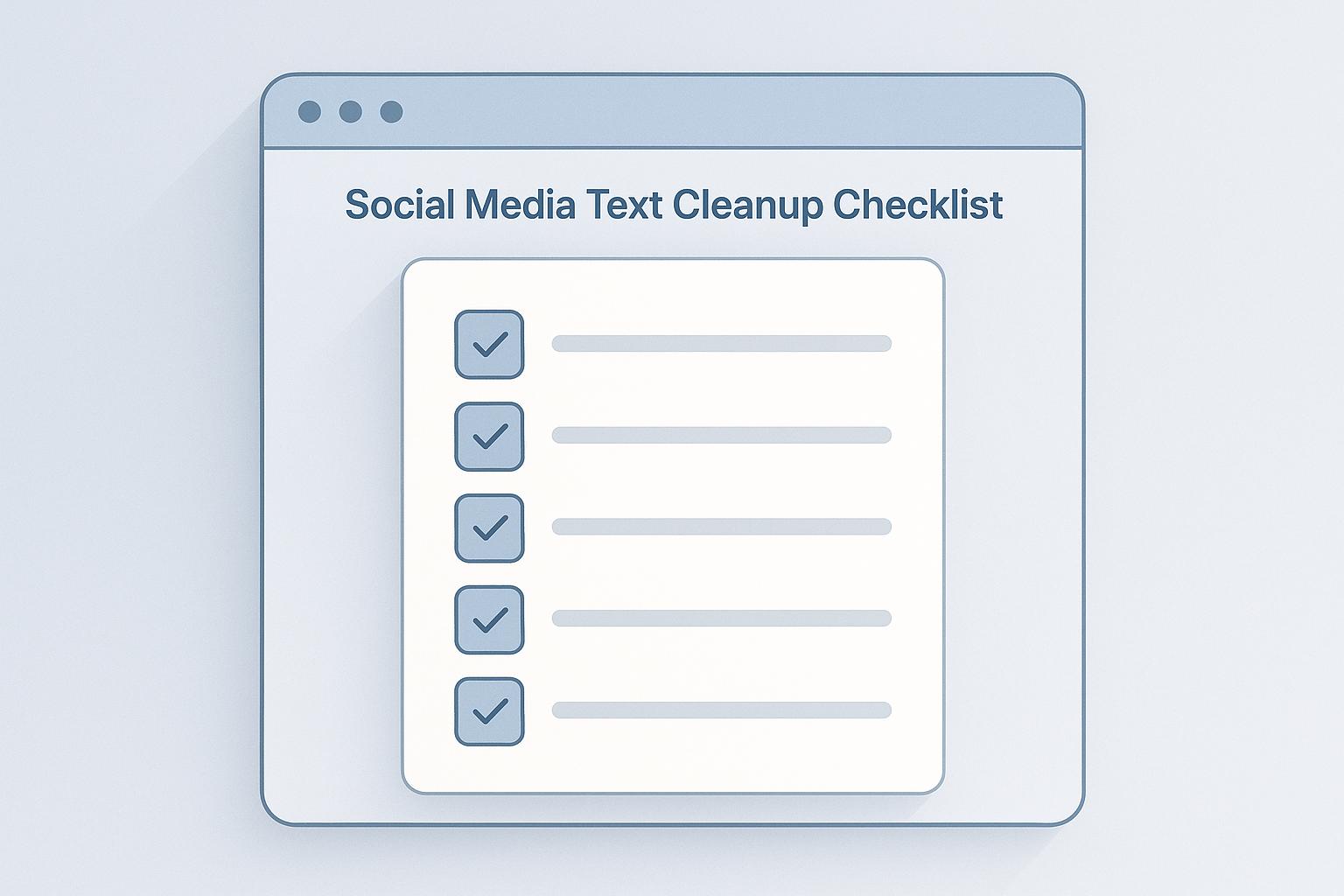
Social Media Text Cleanup Checklist
Learn how to clean up social media text for better readability and engagement with this comprehensive checklist and tool recommendations.
7 Ways to Remove Extra Spaces from Text Fast
Learn effective methods to quickly remove extra spaces from text, improving readability and workflow across various platforms and applications.
How to Clean Messy Text for Excel Import
Learn how to effectively clean messy text for Excel imports to avoid errors and ensure smooth data analysis.